
Looking for a simple and fast Hiragana and Katakana Keyboard? You are in the right place! Our free online Japanese keyboard lets you type Hiragana (ひらがな) and Katakana (カタカナ) characters directly from your browser — no software installation, no complicated settings, and no need to change your device’s language configuration.
Need help remembering hiragana and katakana?
Learn them the easy way with our free Kanana app.
Build lasting recognition through repetition, interactive quizzes, and
beginner-friendly reading practice. Just a few minutes a day can make a big
difference.
Best of all? Kanana is completely free! ・°˖✧◝(⁰▿⁰)◜✧˖°.
Click to Learn More About Kanana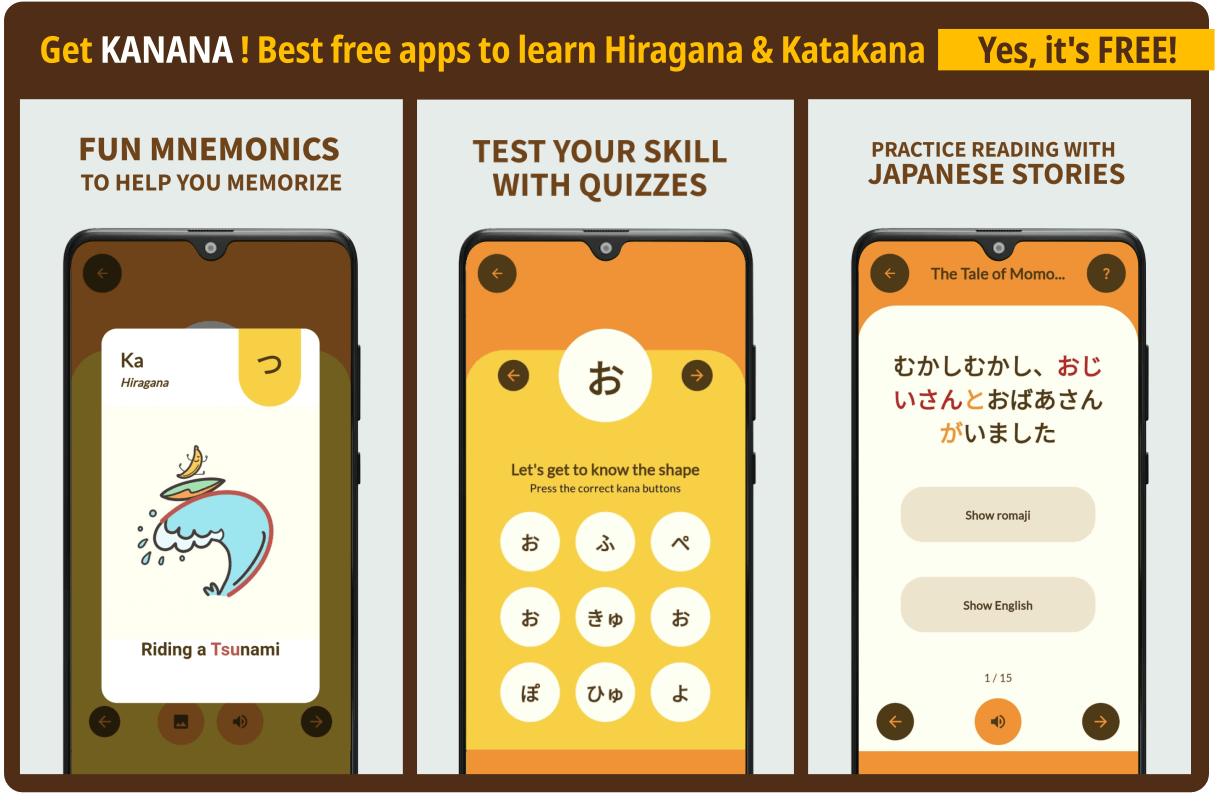
What Is a Hiragana and Katakana Keyboard?
A Hiragana and Katakana Keyboard is a virtual typing tool that allows you to write the two fundamental Japanese syllabaries — Hiragana and Katakana — using your regular QWERTY keyboard or by clicking on-screen keys. It automatically converts Romaji (Latin letters) into Japanese characters, making it the perfect solution for students, travelers, translators, and anyone learning the Japanese language.
Why Use Our Online Japanese Keyboard?
- No installation required. Type Japanese instantly in your browser on any device.
- Automatic Romaji conversion. Type with English letters and convert them into Hiragana or Katakana.
- Switch between Hiragana and Katakana. Change writing modes with a single click.
- Copy and paste your text. Use your Japanese text in documents, messages, social media, and more.
How to Use the Hiragana and Katakana Keyboard
Using our Japanese keyboard is incredibly simple. Follow these easy steps:
- Step 1: Select your preferred script — Hiragana (ひらがな) or Katakana (カタカナ).
- Step 2: Type using Romaji (e.g., “konnichiwa”) or click the on-screen keys.
- Step 3: Watch your text convert automatically into Japanese characters (こんにちは).
- Step 4: Copy your text and paste it anywhere you need!
Hiragana vs. Katakana: What’s the Difference?
Both scripts represent the same 46 basic sounds of the Japanese language, but they serve different purposes. Understanding when to use each is essential, and a reliable keyboard makes practicing both effortless.
| Feature | Hiragana (ひらがな) | Katakana (カタカナ) |
|---|---|---|
| Main Use | Native Japanese words, grammar particles, verb endings | Foreign loanwords, foreign names, onomatopoeia, emphasis |
| Appearance | Rounded, flowing curves | Sharp, angular strokes |
| Example | さくら (sakura – cherry blossom) | コーヒー (kōhī – coffee) |
| Learners Start With | Usually first | Usually second |
Who Is This Kana Typing Tool For?
- Japanese language students practicing reading and writing kana
- Travelers preparing for a trip to Japan
- Translators and content writers who need quick Japanese input
- Anime and manga fans wanting to write Japanese names and phrases
- Teachers creating Japanese learning materials
Japanese Keyboard FAQ
Is it free?
Yes. It is completely free to use with no downloads or registration required.
Does it work on mobile?
Yes. It works on phones, tablets, laptops, and desktop computers.
Can I type Kanji?
This tool is designed for Hiragana and Katakana. For Kanji, you’ll need a Japanese IME.
Do I need to know Japanese?
No. Just type using Romaji (English letters), and it will convert your input into Japanese.
Can I copy the text?
Yes. You can copy your Japanese text and paste it anywhere.
Conclusion
Whether you’re a beginner or an experienced learner, this Japanese keyboard is the perfect companion. It’s free, fast, and accessible on any device. Try it now and start typing Japanese more easily today!